Volundr
Self-hosted remote development platform on Kubernetes
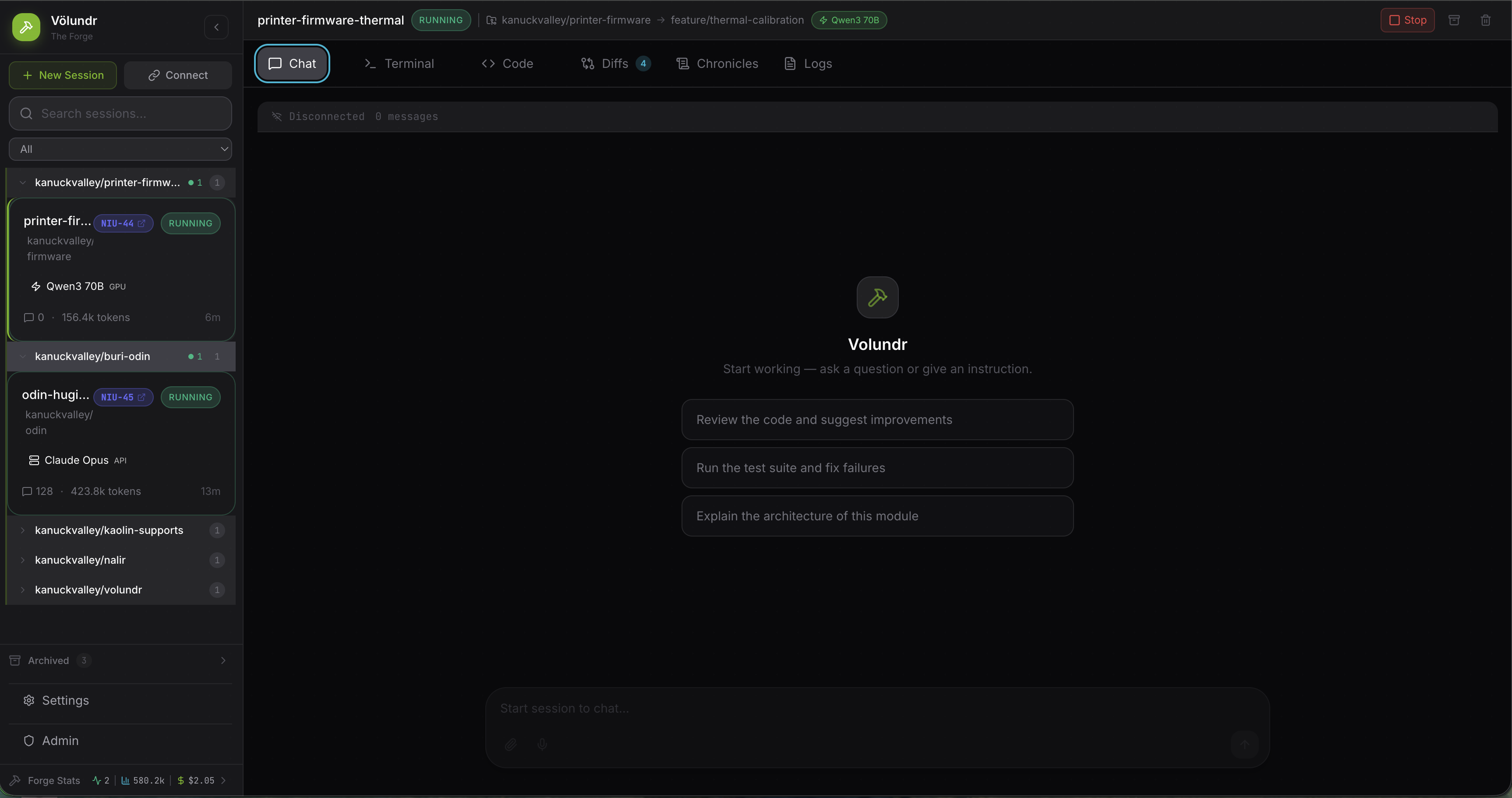
A platform for running managed, isolated AI coding agent sessions on your own Kubernetes cluster. Volundr manages the full lifecycle — spinning up isolated workspaces in Kubernetes pods where developers interact with AI coding agents (like Claude Code) through a browser.
Features
Isolated sessions
Create, start, stop, and archive coding sessions with model selection. Each session gets its own Kubernetes pod with a dedicated workspace PVC and storage quotas.
Git workflows
Branch creation, PR management, CI status checks, and merge confidence scoring across GitHub and GitLab.
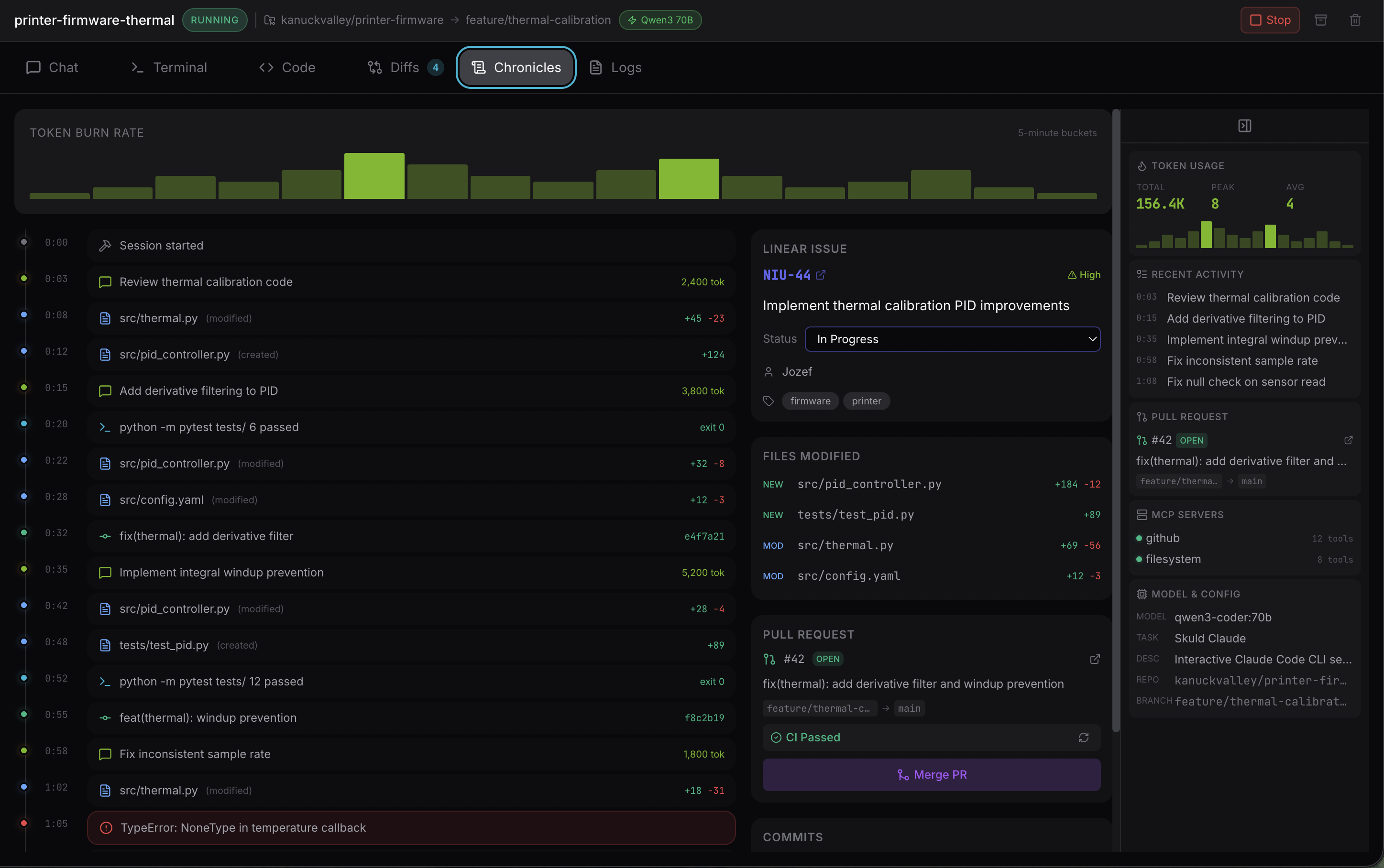
Chronicles
Session history with timelines, file diffs, and commit summaries. See exactly what changed and when.
Secret injection
Mount secrets into sessions via Infisical, OpenBao/Vault, or in-memory backends. Volundr never sees secret values.
Multi-tenancy & auth
Hierarchical tenants with roles and quota enforcement. IDP-agnostic OIDC authentication via Envoy, authorization via Cerbos.
Integrations & events
Issue trackers (Linear, Jira), MCP servers, SSE streaming, and event pipelines to PostgreSQL, RabbitMQ, and OpenTelemetry.
Components
| Component | Role |
|---|---|
| Volundr API | FastAPI/Python backend — session CRUD, workspace provisioning, git integration, secret management, multi-tenant access control |
| Skuld | WebSocket broker — connects the browser UI to AI coding agents running inside session pods |
| Web UI | React web UI — session management, chronicles, diffs, terminal access, and admin |
Tech stack
FastAPI · asyncpg (raw SQL, no ORM) · React/Vite/CSS Modules · Kubernetes/Helm · OIDC/Cerbos · OpenTelemetry
See it in action
Sign in
Volundr uses standard OIDC for authentication and is fully IDP-agnostic — connect Keycloak, Entra ID, Okta, or any compliant provider. Users sign in through your existing identity infrastructure with no vendor lock-in.
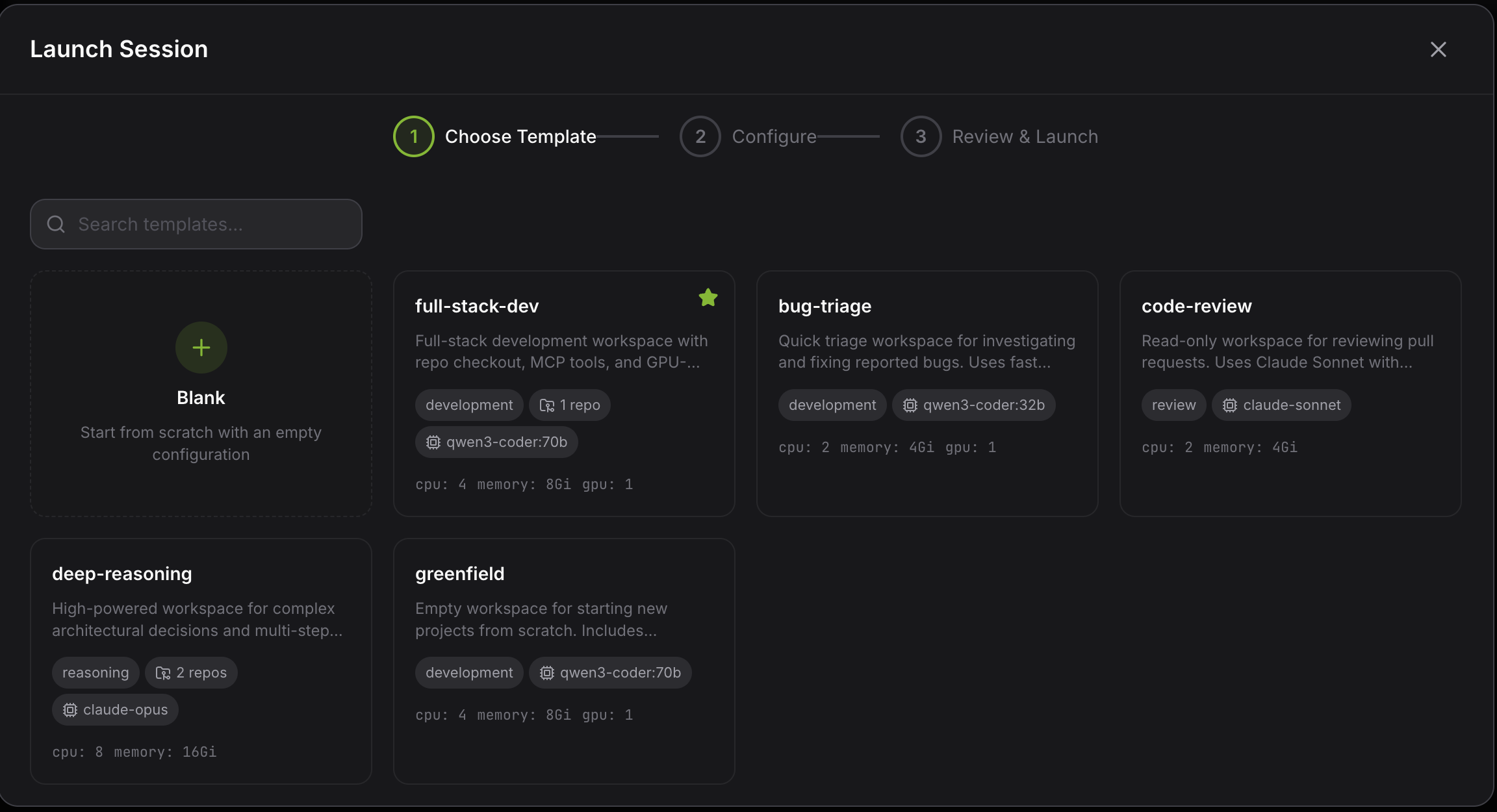
Launch a session
The launch wizard walks you through session creation in two steps: pick a workspace template, then configure resources, credentials, and integrations. Templates are fully customisable, letting teams standardise their environments while keeping things flexible.
Chat with the agent
The session dashboard is where you interact with your AI coding agent. Chat back and forth, watch work happen in real time, and switch between tabs for the terminal, code, diffs, and logs — all from the browser.
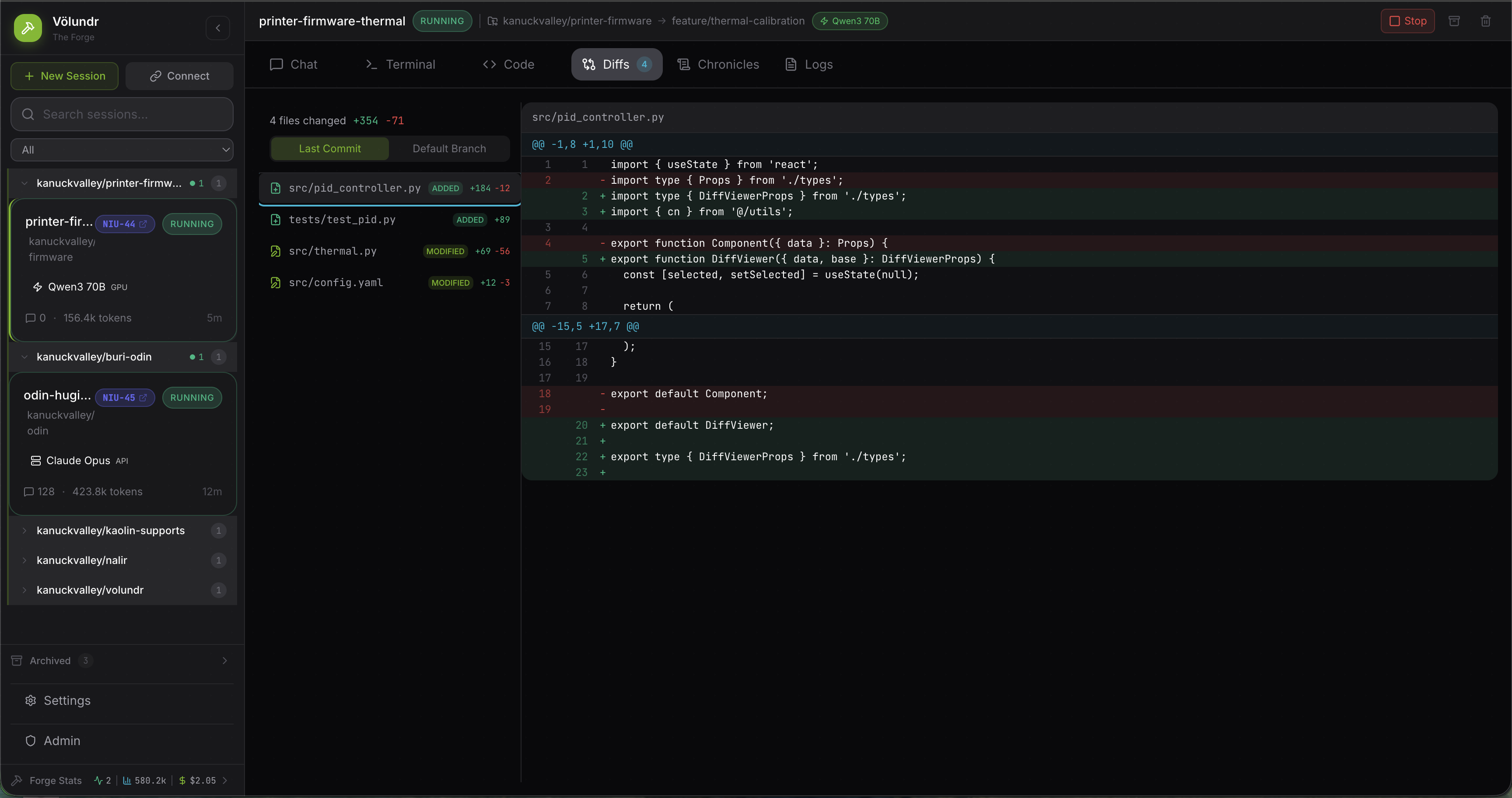
Review changes
The built-in diff viewer gives you a clear view of every file the agent has touched. Review changes inline before committing, catch issues early, and keep full control over what lands in your codebase.
Browse the timeline
Chronicles capture the full history of a session — every commit, file change, and agent action laid out on a timeline. Scroll back to see exactly what happened and when, making it easy to audit work or pick up where you left off.
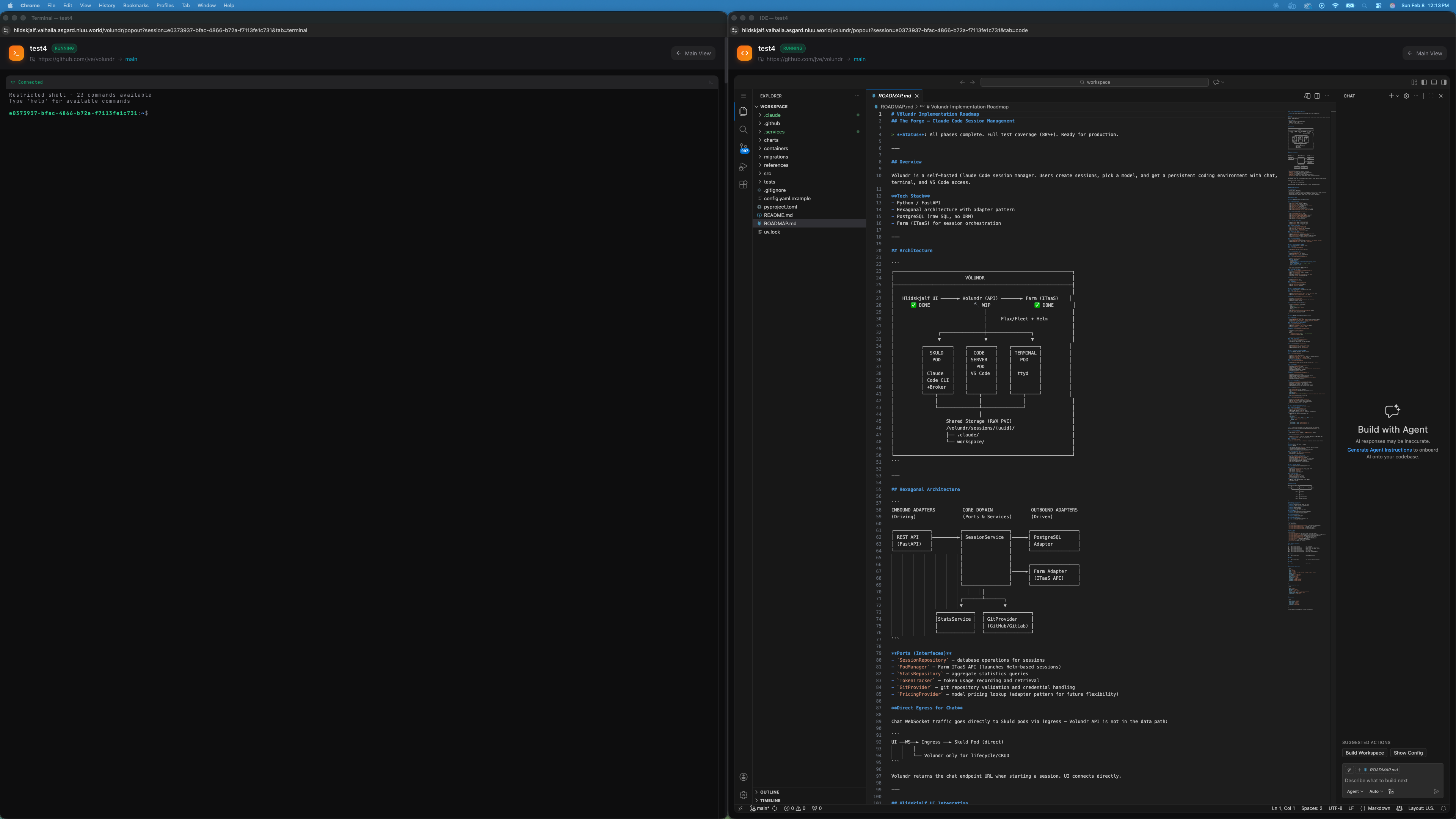
Full workspace access
Each session provides a complete workspace with an integrated terminal and a full VS Code instance running remotely inside the Kubernetes pod. Edit code, install extensions, debug, and run commands — all from the browser, just like you would locally.
Quick links
- Quick start — get running in 5 minutes
- Installation guide — deployment options and setup
- User guide — sessions, templates, chronicles, CLI
- Configuration — adapters, identity, secrets, storage
- API reference — interactive OpenAPI documentation
- Contributing — development workflow